Veterinary Imaging Software Explained: DICOM, PACS and Your PIMS
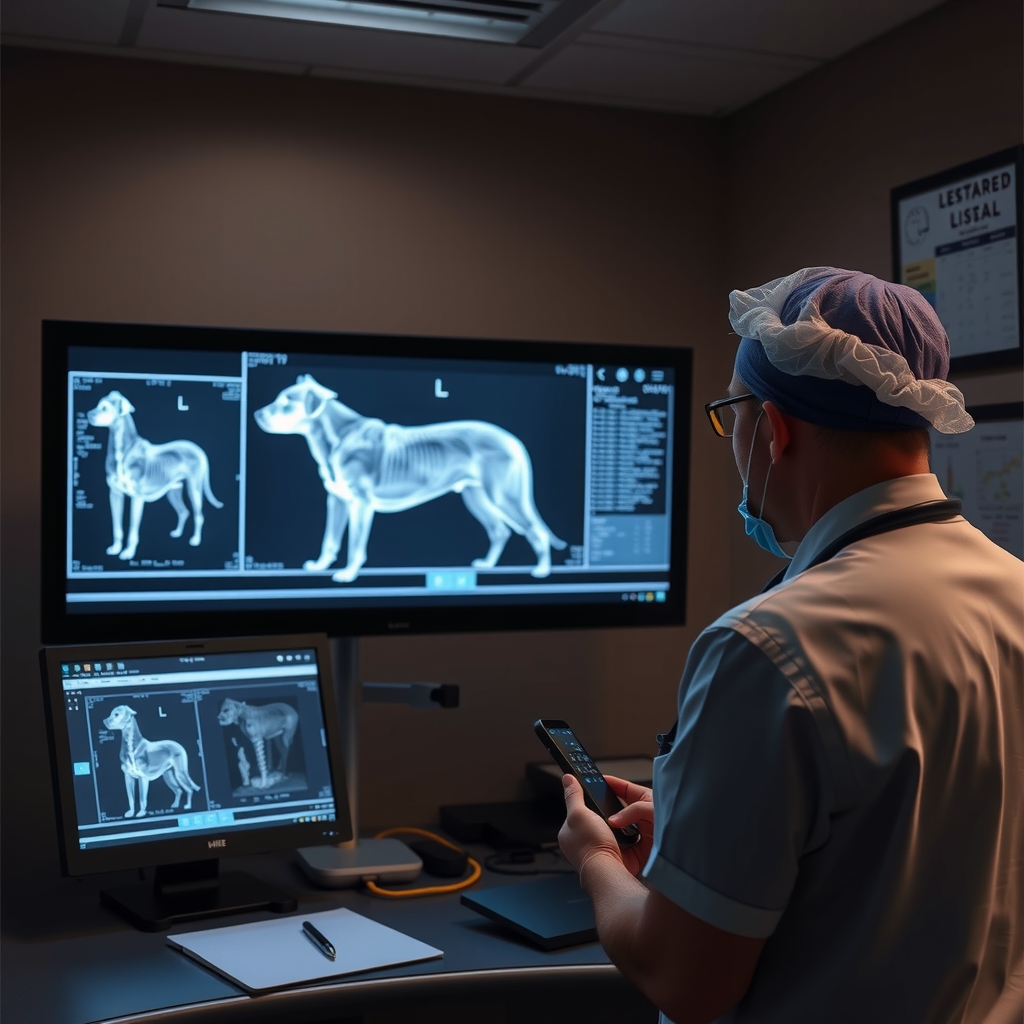
Veterinary imaging software covers three connected jobs: capturing studies from x-ray, ultrasound, CT or dental units in the DICOM format, storing and organizing them in a PACS, and showing them to the clinician inside the patient record. When those three connect to your PIMS properly, an image taken at 10:05 is attached to the visit note by 10:06 with nobody touching a USB stick.
Many clinics still run these as separate islands. The x-ray machine writes to a local workstation, someone burns studies to disc for referrals, and the practice management system holds a note that says see radiographs. That workflow leaks time daily and occasionally loses a study entirely. Understanding a few terms makes fixing it straightforward.
What do DICOM and PACS actually mean?
DICOM, Digital Imaging and Communications in Medicine, is the universal file format and network language of medical imaging. Every serious modality speaks it. A DICOM file carries the pixels plus patient details, so the image knows who it belongs to. PACS, Picture Archiving and Communication System, is the library: it receives studies from your machines, stores them safely, and serves them to viewers. A modality worklist takes it further by sending the patient's details from the PIMS to the machine before exposure, which prevents the classic misspelled-name study that can never be found again.
How should imaging connect to the patient record?
The gold standard is simple to describe. The appointment in the PIMS creates the imaging order. The machine pulls patient details from the worklist. The finished study lands in the PACS, and a link or preview appears in the medical record automatically, tied to that visit. Referrals go out as secure links rather than discs, and a teleradiology report files itself back into the record. Woovet connects to imaging partners this way; you can see the current list on our integrations page.
What should you check before buying or connecting imaging software?
Ask five questions. Does the viewer run in a browser, so any exam room can display a study? Is storage priced per study, per gigabyte or flat, and who owns the archive if you leave? Does the PACS support a modality worklist for your machines? Can external specialists view studies without installing software? And does it write back to the PIMS, or will staff still attach files by hand? The last one matters most, because the medical record is where imaging earns its value. A study nobody can find during a recheck may as well not exist.
What does a modern imaging workflow cost?
Less than the disconnected one, once staff time is counted. Cloud PACS pricing is usually a monthly subscription based on study volume or storage, and it replaces workstation licenses, local archive drives and the burned discs that referrals used to travel on. The bigger saving is invisible: every study that files itself to the record saves a few minutes of technician time, and every study a colleague can open from home avoids a drive to the clinic. When you compare quotes, price the workflow rather than the software: ask what it costs per year for your caseload, what happens to the archive if you leave, and how much staff handling remains per study. The right answer to the last question is almost none.
Imaging is one of the clearest examples of why an integrated platform beats a pile of point tools. If your current setup involves exporting, renaming and uploading files, a modern connected workflow will pay for itself in staff hours alone. To see how imaging, records and the rest of the clinic workflow behave in one system, book a short demo and bring a sample study.
Frequently Asked Questions
What is the difference between DICOM and PACS?
Does imaging need to integrate with the PIMS?
Can cloud PIMS platforms handle large imaging files?
Do I need a radiologist to read every study?
Join the hundreds of vets already using Woovet to cut admin time and focus on what really matters.