How to Switch Veterinary Software Without Disrupting Your Clinic?
The safest way to switch veterinary practice management software is to treat the transition as an operational project, not just a software installation. Start by defining what needs to improve, select a platform that fits your workflows, plan data migration early, prepare your team by role, test the new system before go-live, and schedule the transition around your clinic's operating needs. A structured approach can help protect patient care, staff productivity, client service, and daily revenue while you move to a new PIMS.
Switching software is a significant decision because your practice management system touches almost every part of the clinic—from appointments and patient records to billing, inventory, reporting, communication, and integrations.
The key is not avoiding change. It is controlling the change.
Why Do Veterinary Practices Switch Veterinary Software?
Most practices do not change their PIMS simply because a newer product exists. The decision usually starts with operational friction.
You may be considering a switch because:
Your current system no longer supports your practice's growth.
Staff rely on spreadsheets or manual workarounds.
Medical records take too long to complete.
Your reporting is difficult to use.
Your current integrations create additional manual work.
Your team needs better client communication tools.
You want cloud-based access.
Your practice needs more automation or AI capabilities.
Support is no longer meeting your expectations.
The software cannot support multiple locations or changing workflows.
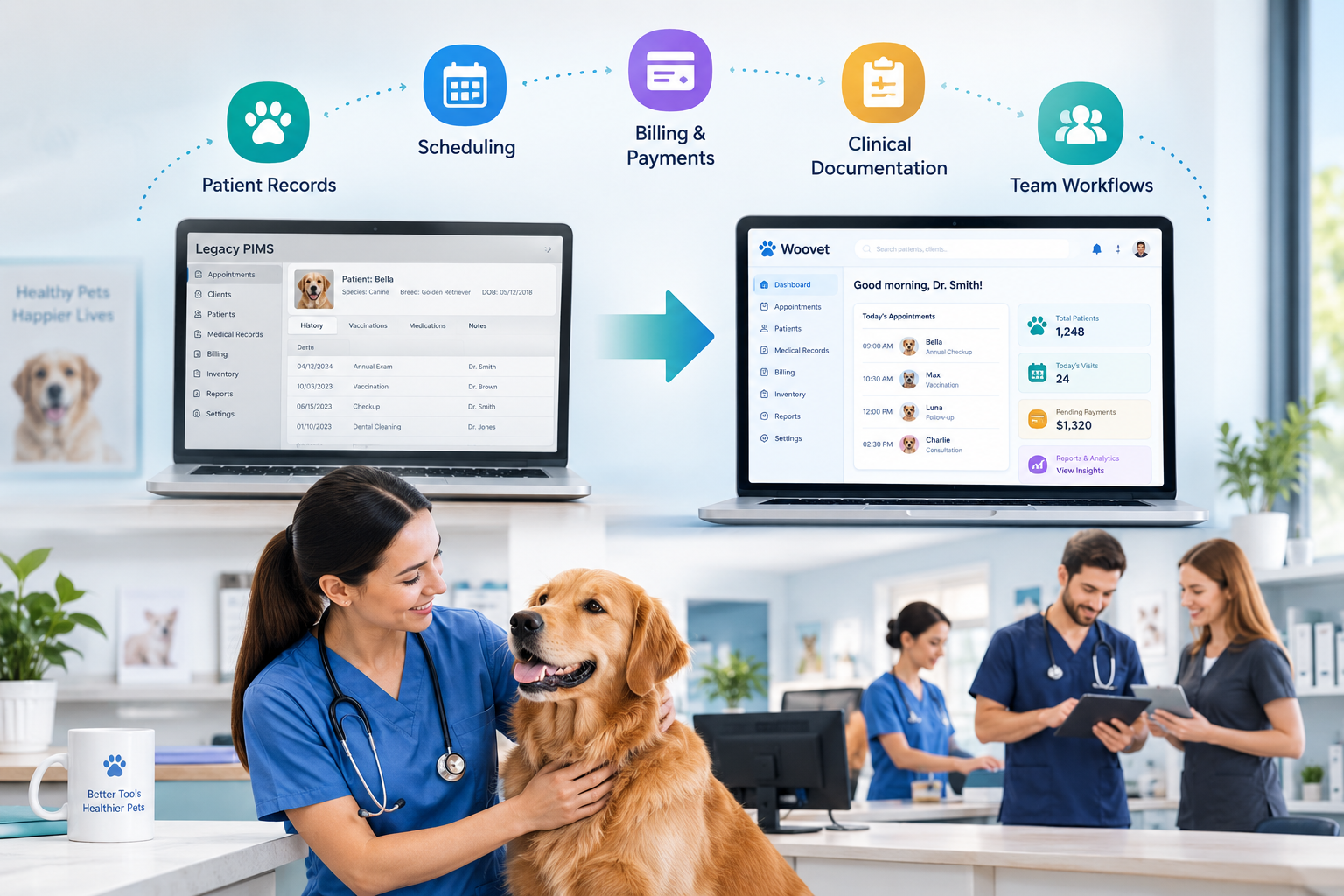
Woovet describes its platform around connected veterinary practice management, including patient records, workflow management, AI capabilities, integrations, reporting, and other operational functions.
Before switching, however, identify the specific problems your current system is creating. That gives you a practical basis for comparing vendors rather than choosing a system based only on a product demo.
For more context, see Woovet's guide on the signs your practice has outgrown its veterinary software.
How Do You Switch Veterinary Practice Management Software Without Disrupting Your Clinic?
A successful switch generally follows this sequence:
Assess → Plan → Select → Migrate → Configure → Train → Test → Go Live → Optimize
Each stage should have a defined owner, timeline, and success criteria.
The mistake is treating the go-live date as the entire project. By the time your team opens the new system for the first time, most of the important work should already be complete.
1. Define What Needs to Change Before Choosing a New System
Start by documenting the problems with your current veterinary software.
Do not simply create a feature wishlist.
Instead, ask:
Where is the current system slowing the clinic down?
Review the major workflows across your practice:
Scheduling and appointment management
Check-in and client communication
Clinical documentation
Prescriptions
Billing and payments
Inventory
Laboratory workflows
Reporting
User permissions
Multi-location workflows
Integrations
Client-facing tools
Then distinguish between must-have requirements and nice-to-have features.
This prevents the new PIMS from becoming a more expensive version of the old workflow.
2. Evaluate Vendors Beyond the Product Demo
A software demo shows you what the product can do.
It does not necessarily show you what happens when your existing data, employees, integrations, and daily workflows have to move into it.
When evaluating vendors, ask about:
Data migration
Implementation support
Onboarding
Training
Integration setup
Support response
User permissions
Reporting
Data ownership
Export options
Post-go-live support
Woovet's pricing information states that its plans include onboarding support and personalized training sessions, while its cloud-based platform is designed to be accessed without local software installation.
That makes implementation support an important part of the buying decision—not an afterthought after the contract is signed.
3. Plan Data Migration Before You Sign
Data migration should be discussed during vendor evaluation.
Your existing PIMS may contain years of:
Client records
Patient histories
Vaccination records
Prescriptions
Appointment history
Invoices
Attachments
Diagnostic records
Other account information
Ask the prospective vendor:
What will migrate?
What will not migrate?
How will the data be mapped?
Will there be a test migration?
How will migrated records be validated?
Who handles migration issues?
Woovet's existing migration guidance recommends obtaining a complete export, defining the migration scope, running a test migration, validating real patient records, and completing the final migration before cutover.
For the detailed migration process, link this article to Woovet's existing Veterinary Software Migration Guide rather than repeating that article in full.
4. Map Your Current Workflows to the New System
Successful migration does not mean reproducing every part of your old system exactly.
Take this opportunity to review how the clinic actually works.
For example:
Appointment → Check-in → Consultation → Documentation → Billing → Follow-up
Identify how each stage will work in the new system.
Also document:
Who performs each task
What information they need
Which system they use
Where information is entered
What happens next
Which integrations are involved
Woovet supports integrations across areas such as payments, accounting, laboratory systems, inventory, scheduling, and communication.
Before switching, confirm that every important connection in your current workflow has been accounted for.
5. Prepare Your Team Before Go-Live
Even a technically successful migration can struggle if employees do not feel comfortable using the new platform.
Do not train everyone on every feature.
Train people according to their responsibilities.
Front Desk
Focus on:
Appointments
Check-in
Client records
Payments
Communication
Veterinary Technicians
Focus on:
Patient workflows
Treatment records
Clinical documentation
Orders
Workflow handoffs
Veterinarians
Focus on:
Patient records
Clinical documentation
Prescriptions
Diagnostics
AI-supported workflows
Practice Managers
Focus on:
Reporting
Financial workflows
Inventory
User permissions
Analytics
Practice administration
Woovet's platform includes areas such as reports and analytics, inventory management, laboratory integration, payment integrations, and other practice workflows.
Role-based training makes the transition more relevant and reduces unnecessary learning.
6. Run a Test Before the Real Switch
Never make your first real workflow the first time your team uses the new software.
Run test scenarios.
For example:
New client → New patient → Appointment → Consultation → Medical record → Prescription → Invoice → Payment
Test the workflow using realistic scenarios before go-live.
Include more complicated cases too.
Test:
Existing patients
Multiple pets for one client
Long medical histories
Attachments
Open balances
Prescriptions
Lab results
Inventory transactions
Payments
Reports
Integrations
The goal is to identify problems while there is still time to fix them.
7. Choose Your Go-Live Date Carefully
Your clinic cannot simply stop operating while software changes.
Choose a period that gives your team room to adapt.
Woovet's published migration guidance recommends choosing a slower period and avoiding particularly busy seasons or major holiday periods when possible.
Before selecting your date, consider:
Appointment volume
Staff availability
Planned leave
Inventory cycles
Financial reporting periods
Major campaigns
Seasonal demand
Also define what happens if something goes wrong.
Your go-live plan should identify:
Who do we call?
Who makes decisions?
Where do we access historical information?
How do we handle an urgent workflow problem?
8. Protect the Client Experience
Software changes should happen behind the scenes as much as possible.
Review every client-facing process before switching:
Appointment confirmations
Online booking
Reminders
Payment processes
Client portals
Communication channels
Receipts
Follow-up messages
Woovet's integration ecosystem includes tools for payments, accounting, laboratory workflows, inventory, scheduling, and communication, which makes integration planning an important part of maintaining connected operations.
Tell clients about changes only where they affect the experience.
For example, if your online booking process changes, communicate that clearly before launch.
9. Keep the First Week Simple
Your first week should not be about discovering every feature in the new platform.
Focus on keeping the clinic running.
Prioritize the workflows needed to:
See patients
Access records
Schedule appointments
Complete documentation
Process payments
Communicate with clients
Manage urgent operational needs
Have a designated internal point person who can gather questions from the team and coordinate with vendor support.
Do not try to optimize every workflow on day one.
Stability first. Optimization second.
10. Measure the Transition After Go-Live
Once the new system is live, measure whether the switch solved the problems that triggered it.
Track metrics such as:
Documentation completion time
Appointment processing time
Billing accuracy
Staff adoption
Client communication speed
Reporting efficiency
Inventory workflow efficiency
Support requests
Time spent on manual work
The goal should be more than successfully installing new software.
The goal is to create a clinic workflow that works better.
What Should You Look for in Veterinary Software Before Switching?
The transition is only worthwhile if the new platform solves the problems that prompted the move.
During evaluation, look for a system that can support your clinic's current needs while giving you room to grow.
Key considerations include:
Workflow coverage
Can the platform support your core clinical and administrative workflows?
Integrations
Can it connect with the laboratory, accounting, payment, inventory, scheduling, and communication tools you rely on? Woovet currently lists integrations including Fiserv, Xero, QuickBooks, IDEXX Reference Labs, Vetcove, Google Calendar, and PetLink.
Analytics
Can management see meaningful trends in revenue, visits, patient care, and practice performance? Woovet's reporting capabilities are designed around these types of operational insights.
AI capabilities
Can AI improve actual workflows rather than simply adding another feature? Woovet currently highlights Coggo Voice for AI-assisted SOAP documentation and Coggo Assess for AI-supported diagnostic assessment.
Implementation support
Will the vendor support migration, onboarding, training, and the early stages of adoption?
Scalability
Can the platform support the practice as its team, patient volume, workflows, or locations change?
These questions also connect directly to the broader process covered in Woovet's guide to choosing veterinary practice management software.
How Long Does It Take to Switch Veterinary Practice Management Software?
There is no single timeline for every clinic because implementation depends on factors such as practice size, data complexity, configuration, integrations, training requirements, and vendor support.
A smaller practice with straightforward workflows may have a shorter transition, while a larger or more complex practice may need more preparation.
The important point is to avoid choosing the go-live date first and trying to fit the work into it.
Build the timeline around the work:
Vendor selection → migration planning → configuration → test migration → validation → training → testing → go-live → optimization
Woovet's existing migration guidance describes the process as a structured sequence rather than a single event.
Switching Veterinary Software Does Not Have to Mean Disrupting Your Clinic
Changing your veterinary practice management software is a major operational project, but it does not have to mean putting your clinic on hold.
The safest approach is to plan the transition around the clinic—not around the software.
Define what needs to improve.
Choose a platform that fits your workflows.
Plan migration early.
Test before go-live.
Train by role.
Protect client-facing workflows.
And measure the results after the switch.
The right veterinary software should make the transition worthwhile by helping your team spend less time working around technology and more time running the practice.
Woovet combines veterinary practice management workflows with cloud access, integrations, reporting, and AI-powered tools including Coggo Voice and Coggo Assess.
Ready to evaluate a new veterinary practice management system? Schedule a Woovet demo.
Frequently Asked Questions
Is it difficult to switch veterinary practice management software?
How do I switch veterinary practice management software without disrupting my clinic?
Will I lose my patient records when switching veterinary software?
How long does veterinary software migration take?
What should I ask a veterinary software vendor before switching?
Should staff be trained before switching veterinary software?
Join the hundreds of vets already using Woovet to cut admin time and focus on what really matters.