
Log in

Scheduling and whiteboardLive

The appointment book with no closing time.

The appointment book, the doctors’ rosters and the whiteboard in one place. Open at any hour.

Book, check in and take the walk-in without leaving one screen.

Team tasks, messages and bulletins

How every handover stays in writing.

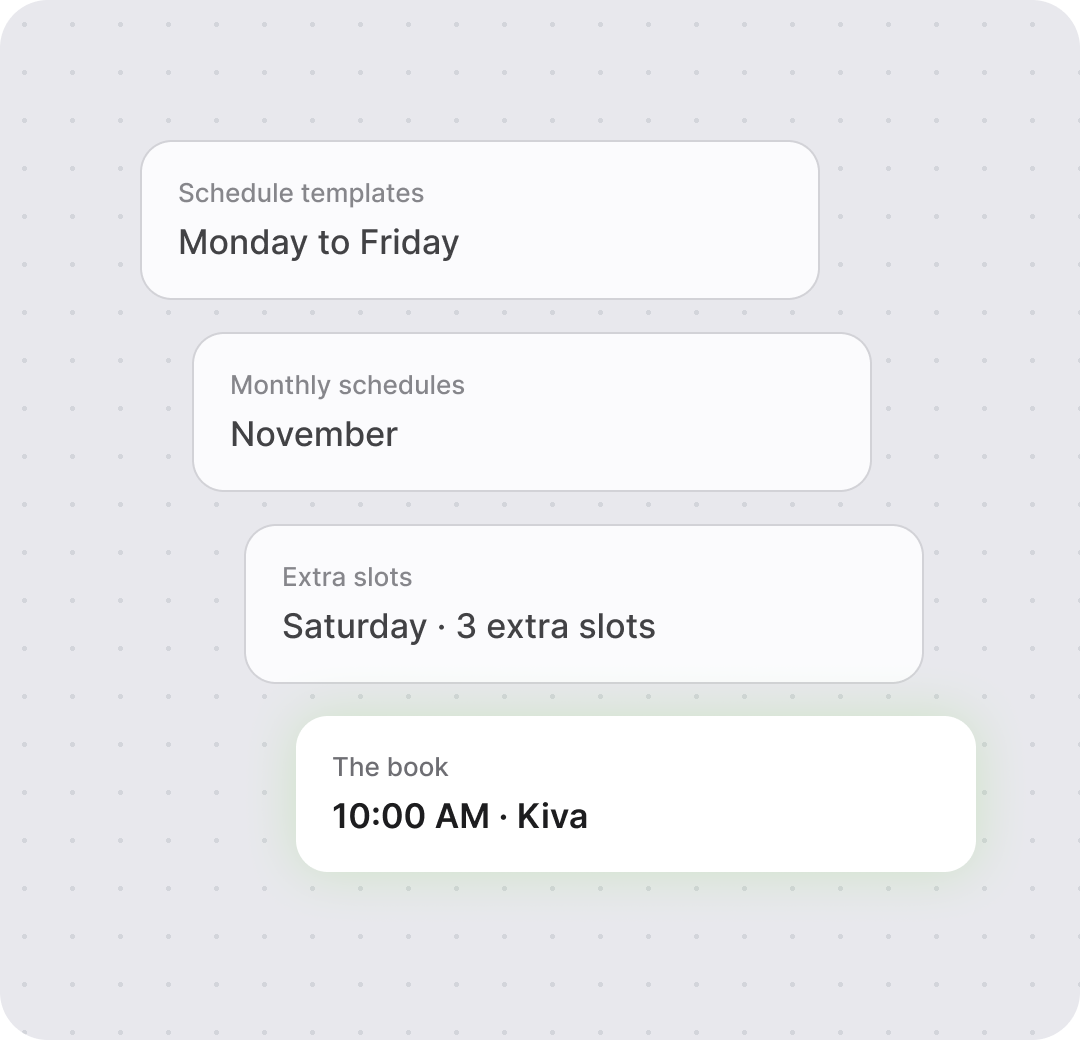
The four layers of a doctor's schedule, stacked: schedule templates Monday to Friday, the November monthly schedule, 3 extra slots on Saturday, and the book with Kiva at 10:00 AM. The four layers of a doctor's schedule, stacked: schedule templates Monday to Friday, the November monthly schedule, 3 extra slots on Saturday, and the book with Kiva at 10:00 AM.

Four layers.
One doctor’s schedule.

  1. Schedule templates

    The recurring pattern for each doctor. Shows who last changed it. Each location books in its own time zone.

  2. Monthly schedules

    The roster for a given month, when it differs from the pattern.

  3. Extra slots

    More time on a day that needs it.

  4. The book

    Appointments, check-in and walk-ins, booked against what is open.
One schedule. Every shift.

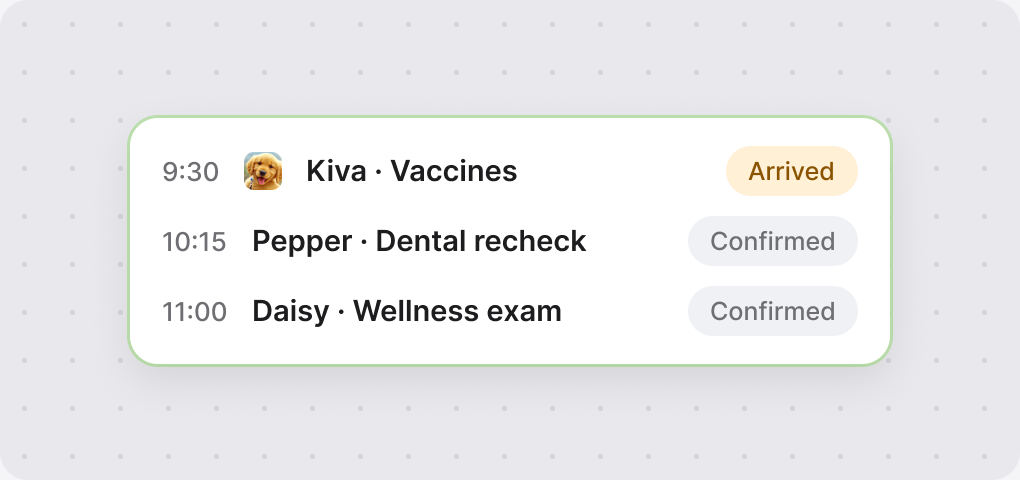
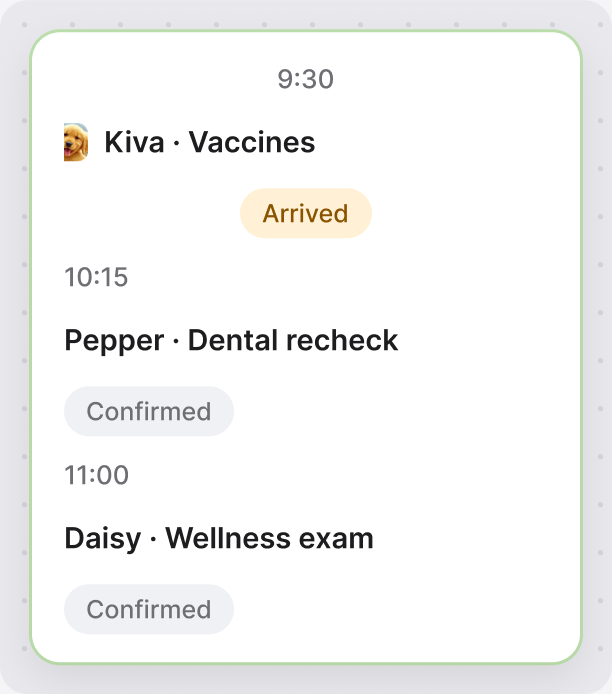
Example appointment list: 9:30 Kiva, vaccines, arrived; 10:15 Pepper, dental recheck, confirmed; 11:00 Daisy, wellness exam, confirmed. Example appointment list: 9:30 Kiva, vaccines, arrived; 10:15 Pepper, dental recheck, confirmed; 11:00 Daisy, wellness exam, confirmed.
Appointment book

Day, week and month. One screen.

  • Day view
  • Week view
  • Month view
  • Check-in
  • Walk-ins
  • Extra slots
  • Online booking
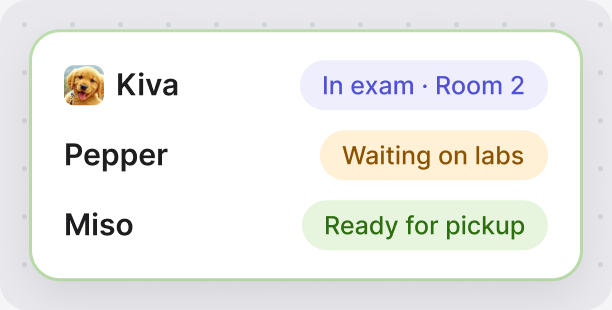
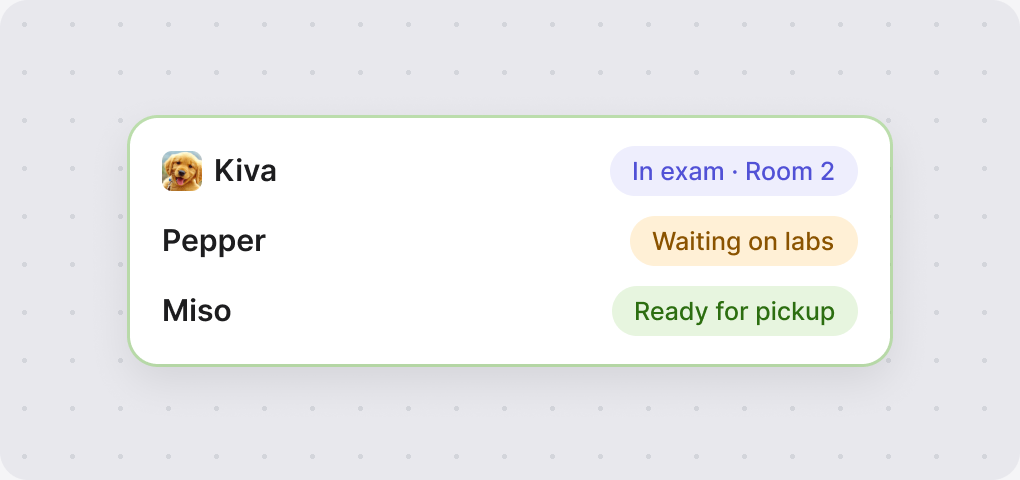
Example whiteboard: Kiva in exam, room 2; Pepper waiting on labs; Miso ready for pickup. Example whiteboard: Kiva in exam, room 2; Pepper waiting on labs; Miso ready for pickup.
Whiteboard

Every patient in the building, by status.

  • Reserved
  • Admitted
  • Counts
  • Patient photos
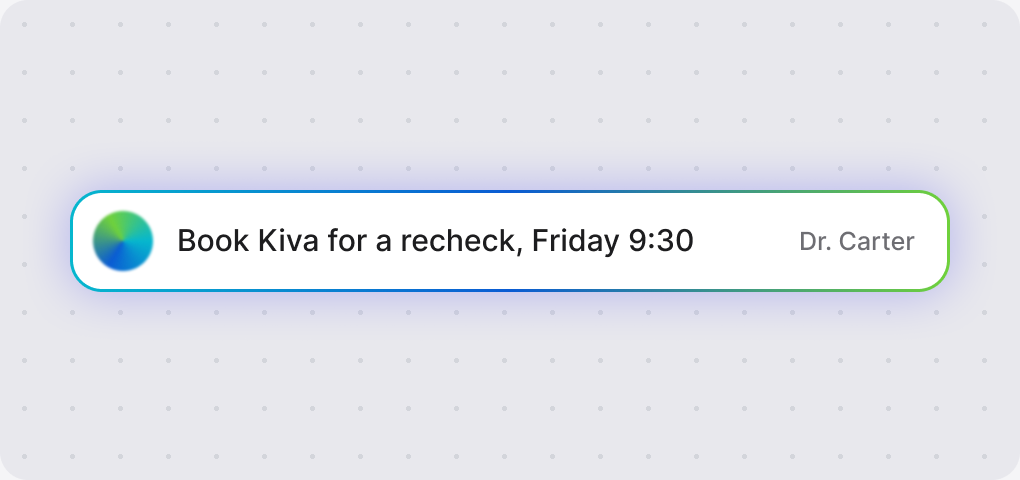
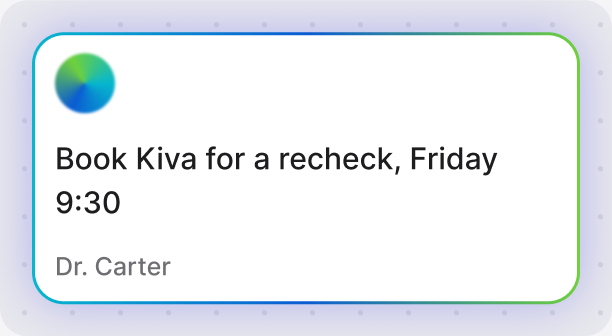
Example request to Woovet Elio: book Kiva for a recheck, Friday 9:30, with Dr. Carter. Example request to Woovet Elio: book Kiva for a recheck, Friday 9:30, with Dr. Carter.
Woovet Elio

Book by voice. Confirm with a tap.

Elio drafts the appointment. Nothing is saved until you confirm.
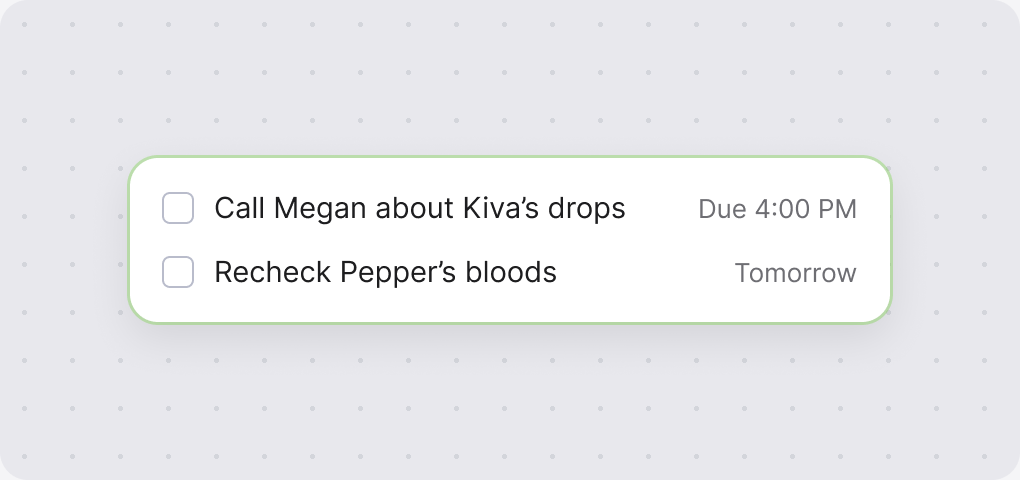
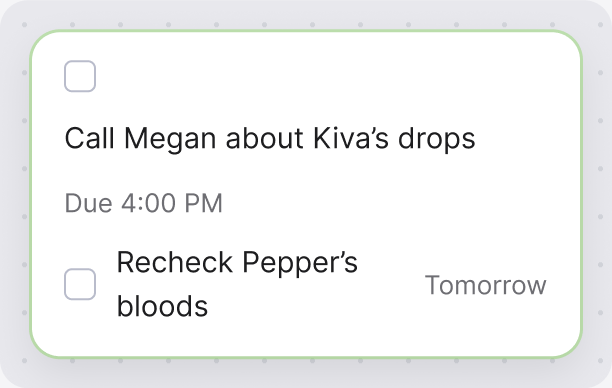
Example task list: call Megan about Kiva's drops, due 4:00 PM; recheck Pepper's bloods, tomorrow. Example task list: call Megan about Kiva's drops, due 4:00 PM; recheck Pepper's bloods, tomorrow.
Tasks and bulletins

Every handover, in writing.

  • Tasks with due dates
  • Bulletins
  • Messages
  • Callbacks
  • Rechecks

Questions teams ask

What does Woovet scheduling include?

An appointment book with day, week and month views, check-in, walk-ins, recurring doctor schedule templates, monthly schedules, extra slots, a whiteboard that groups patients by status with counts, tasks with due dates, bulletins and messages, reminders and online booking.

Can we see who changed a doctor’s schedule?

Yes. Recurring doctor schedule templates show “Last changed by”, so the team can see who made the most recent change.

Does the schedule handle clinics in different time zones?

Yes. Clinic time zones are respected. The home dashboard shows today in the clinic’s own time.

How do owners confirm or book appointments?

Owners can book through online booking. Reminders and appointment confirmations go out by text, email or WhatsApp templates, and replies to two-way texts are saved to the client.

Can an AI agent confirm appointments for us?

In pilot. The Receptionist agent confirms appointments by text, answers inbound texts, follows up no-shows and offers canceled slots to the waitlist. You set each action to do alone or draft for approval, and emergencies always go to people.